Why background color causes application rejection
One of the most frequent exam form photo rejection reasons is using a background that does not meet official standards. Most recruitment boards like SSC, IBPS, and UPSC strictly require a plain white or light background so that your facial features stand out clearly. If you upload a photo taken against a dark wall, a patterned curtain, or inside a room with visible furniture, the automated software used for scrutiny can fail to process your face correctly.
You do not need to visit a photo studio every time a new exam notification comes out. You can take a clear picture at home using your smartphone against any plain wall and then make photo background white using our automated tool. This tool removes distracting elements and provides the clean, professional look required for official forms. Always stand a step away from the wall to prevent sharp shadows behind your head.
Incorrect pixel dimensions and file size limits
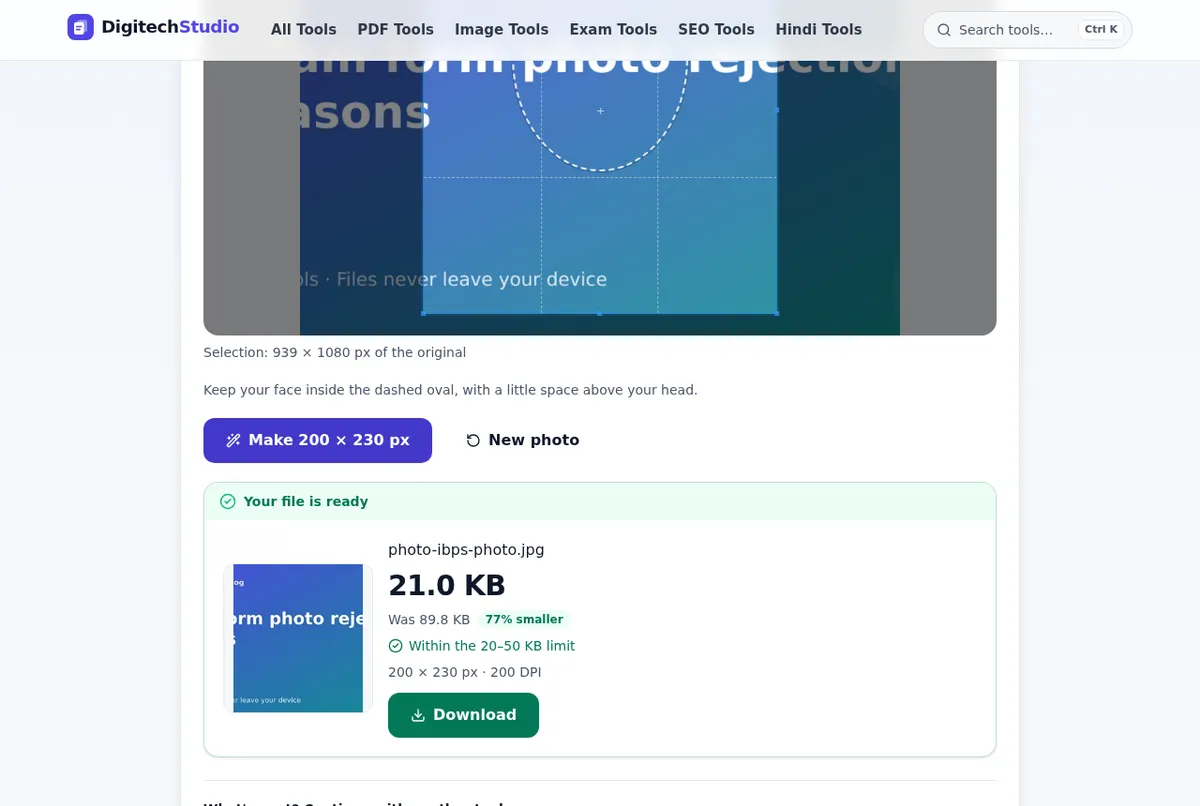
Every official recruitment notice gives clear photo upload guidelines for govt exams regarding the specific width and height of the image in pixels or centimeters. A standard requirement is 350x450 pixels or 3.5 cm x 4.5 cm. If your image does not match these proportions, the portal will stretch your face or crop out essential parts like your ears and forehead. Both errors lead to an invalid upload status.
File size in KB is equally critical because server capacity is limited on government portals. When the allowed range is 20KB to 50KB, a 60KB file will not upload, while a 5KB file gets rejected for poor clarity. You can use our exam photo resizer to set the exact height, width, and file size needed by your board. If your file remains slightly over the limit, use our tool to compress image to bring it into the target range.
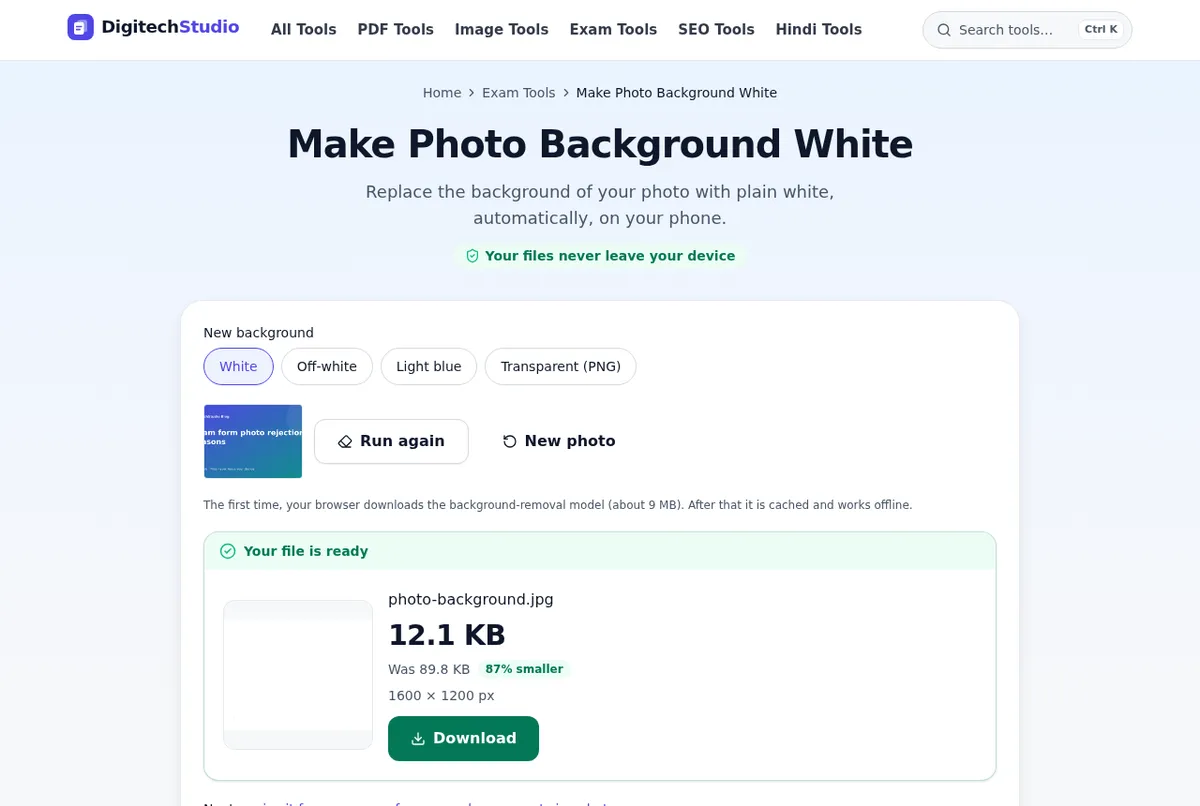
Image width vs file size at quality 80 (KB)
Missing name and date on the photograph
Several competitive examinations, such as those conducted by the Staff Selection Commission (SSC) or State PSCs, require your name and the photo date printed on the image. Writing this by hand on a paper photo and scanning it is not accepted. It must be a clean digital box positioned at the bottom of the photo. Forgetting this details is a primary cause for an invalid photo for online application status.
You can quickly add name & date to photo using our free tool, which places a standard white banner across the bottom of your photo. Enter your name and pick the photo date, and the tool builds the official format instantly. Always check your specific notification to confirm if the photo date must be within three months of the application release. Entering your Date of Birth instead of the photo date is a common mistake that you must avoid.
Resolution and DPI requirements for clarity
DPI stands for Dots Per Inch, and it controls how sharp your photo prints on the admit card and attendance register. Bank exams and UPSC portals often mandate a resolution of 200 DPI or 300 DPI. When your picture looks blurry or pixelated, the DPI setting is usually too low. Even if the pixel dimensions match, a low-resolution file gets flagged because invigilators cannot verify your identity at the test center.
If your photo is clear on phone screens but gets rejected by the portal, you can change image DPI online without altering the pixel dimensions. This tool updates the metadata embedded inside the file. It fixes technical validation errors quickly without requiring a trip to a cyber cafe. Always capture photos under good lighting so the initial image maintains strong sharpness before you modify settings.
| Exam Body | Standard Dimensions | File Size Range | DPI Requirement |
|---|---|---|---|
| SSC | 3.5 cm x 4.5 cm | 20 KB - 50 KB | 200 DPI |
| IBPS | 200 x 230 pixels | 20 KB - 50 KB | 200 DPI |
| UPSC | 350 x 350 pixels | 20 KB - 300 KB | 300 DPI |
| SBI | 200 x 230 pixels | 20 KB - 50 KB | 200 DPI |
Meeting the minimum file size requirement
While candidates often worry about files being too large, many portals also set a strict lower limit. If a portal demands a file between 20KB and 50KB, and your compressed image is 14KB, the system will decline the file. Over-compression shrinks the file too much, throwing an error even when the picture looks fine on your screen.
You can solve this issue when you increase image size in KB with our specialized tool. It adds safe padding data to reach the target size, such as 30KB, without degrading visual clarity. This helps you meet the minimum file size limit on sarkari naukri forms without having to retake the photo.
Facial framing mistakes and attire rules
Visual flaws cause just as many rejections as file errors. Uploading pictures where you wear caps, dark glasses, or heavy scarves leads to immediate rejection. Your eyes must be fully visible and ears should show clearly to pass verification. If you wear daily prescription glasses, ensure there is no flash reflection on the lenses.
When your source photo has too much blank space around your head, use our tool to crop image to center your head and shoulders. Your face should occupy 70% to 80% of the picture frame. Selfies should never be submitted because mobile front cameras distort facial proportions and create uneven angles. Ask a family member or friend to take a photo at eye level while you keep a neutral expression.
- Stand in natural light to prevent harsh shadows across your face.
- Keep your head straight without tilting toward either shoulder.
- Wear dark or contrasting clothing when shooting against a white background.
- Ensure your hair stays clear of your eyes and eyebrows.
- Keep your camera at eye level for a direct headshot.
Signature and thumb impression scanning rules
Signatures and thumb impressions follow rigid formatting standards. A common mistake is signing on lined notebook paper or using light blue ink. You should always sign on plain white paper using a dark black ink pen unless the official notice permits blue ink. Faint lines or smudged ink will trigger automated rejection during verification.
Your left thumb impression must show distinct ridge lines without ink bleeds. After scanning your paper, crop out extra white margins so the upload fits proper proportions. You can use our signature resizer to adjust dimensions and keep the file inside the 10KB to 20KB bracket. When an exam requires combining both files into one layout, you can join photo and signature into a single image before uploading.
Handling formats like HEIC and compressing PDF documents
Modern iPhones save images in the HEIC format by default, while many Android devices save WebP files. Government portals usually accept JPG or JPEG files only. Uploading an unsupported file format causes systemic errors on the portal. You can use our tool to convert heic to jpg in seconds before attempting your form submission.
In addition to photos, government applications require category certificates, marksheets, and identity proofs. These documents must be uploaded in PDF format under tight limits like 100KB or 500KB. High-resolution phone scans often create 3MB files that portals reject. You can compress documents for online form use to shrink file size while preserving clear, readable text.
Final checklist before submitting your application
Before clicking the submit button, examine the application preview screen carefully. Verify that your photo and signature appear clear, upright, and properly proportioned. If the image appears stretched or rotated sideways, delete the file, fix the orientation, and upload it again. Submitting a rotated image is a frequent mistake when applying in a hurry.
Ensure your uploaded photo is current and matches your current appearance. Exam authorities require photos taken within the last three to six months. Using years-old photos from school days causes serious matching issues at the exam center. Save your processed files in a dedicated phone or computer folder. When applying for multiple recruitment drives, you can easily resize image to 20kb or resize image to 100kb to match individual notification guidelines quickly.
Tools mentioned in this article
- Exam Photo ResizerCrop and resize your photo to the exact pixels and KB for SSC, IBPS, UPSC, NEET and more.
- Make Photo Background WhiteReplace the background of your photo with plain white, automatically, on your phone.
- Add Name & Date to PhotoPrint your name and the photo date in a white strip below your photo.
- Change Image DPISet photo DPI to 200, 300 or any value without resizing.
- Increase Image Size in KBMake a photo bigger in KB (e.g. 20KB → 50KB) when a form sets a minimum.
Frequently asked questions
Can I use a selfie for government exam forms?
No, selfies should not be used for government job applications. Selfies distort facial features and often have improper light angles, which lead to application rejection. It is best to have someone take your photo straight at eye level.
What should I do if my photo background is dark or patterned?
You must change the background to plain white or light shade. You can use our free tool to make photo background white automatically without needing design skills.
How do I fix a photo file size that is below the minimum limit?
When your file size falls below the required KB limit, you can increase image size in KB with our online tool. It increases file size safely while keeping your photo sharp.
Do all government exams require a name and date on the photo?
Not every exam requires it, but boards like SSC often enforce this rule in their notifications. Always check your exam notification details. If required, you can add name & date to photo using our tool.
Why does the portal reject my photo even when pixels match?
Rejections occur when DPI resolution is incorrect or file compression is wrong. You can change image DPI to 200 or 300 DPI to meet the portal requirements.
Which pen ink color should I use for signature uploads?
Most recruitment boards specify black ink on plain white paper for sharp contrast. Check your notification, scan the signature cleanly, and use our signature resizer to set the correct size.